The Duskbloods Preload — August 18, 2026
Redeem your Network Test download code, install on Nintendo Switch 2, and verify setup before the August 21–23 session windows.
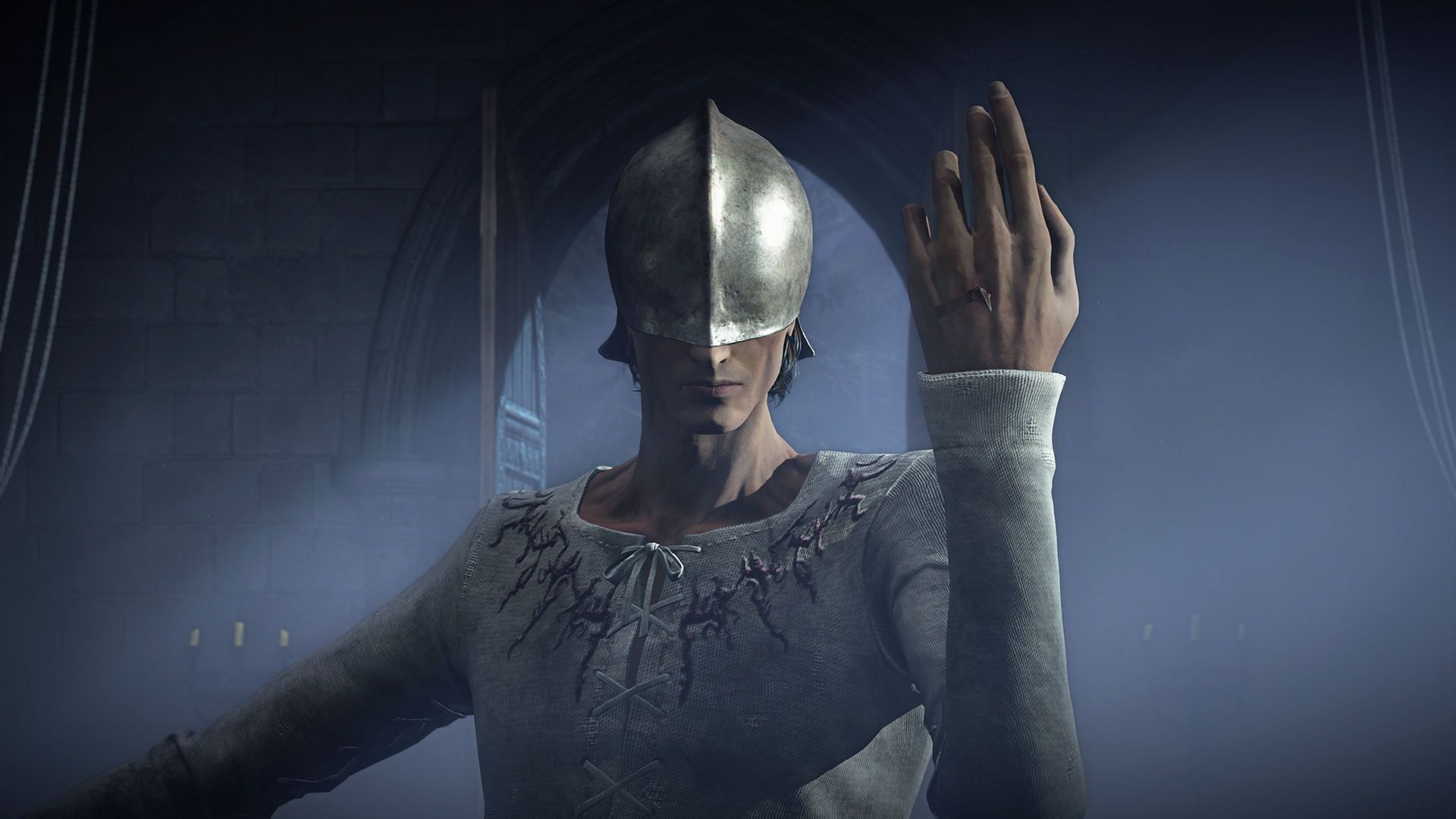
Who can preload and when
Only players selected on August 7, 2026 may preload The Duskbloods Closed Network Test (CNT). Preload opens August 18, 2026 at 9:00 a.m. Eastern Daylight Time (EDT)—the same moment Nintendo typically unlocks the Network Test Version download on eShop and Nintendo Store redemption flows.
If you applied during July 22–28, 2026 but were not chosen in the first-come, one entry per person lottery, there is no preload path for this wave. The retail game remains upcoming with a 2026 launch window on Nintendo Switch 2; this guide applies solely to invited testers.
Confirm you received a download code via Nintendo Account notification or selection e-mail before August 18. Without that code, the eShop will not offer the CNT client.
Before you redeem: requirements checklist
Preload fails silently when accounts or hardware do not match Nintendo’s rules. Verify every item on the requirements page before August 18:
| Requirement | Why it matters at preload |
|---|---|
| Nintendo Switch 2 | CNT software is Switch 2 exclusive—not original Switch |
| Nintendo Account | Must match the profile that applied and was selected |
| Active NSO | Online hub and PvPvE matchmaking require membership at play time |
| Age 17+ | Under-age profiles cannot accept test agreements |
| Matching region/language | Territory mismatch blocks code redemption |
| Stable internet | eShop download and day-one patches need reliable connectivity |
Run the CNT checklist tool after confirming the above. Fix NSO lapses or region mismatches now—waiting until August 21 session day wastes your four-hour window.
Step 1: Locate your download code
After August 7 selection, Nintendo delivers a download code for the Network Test Version. Find it in:
- The selection e-mail sent to your application address
- Nintendo Account message center when signed in on PC or mobile
- Occasionally a QR code or deep link inside official Nintendo pages linked from that e-mail
Copy the code exactly—no extra spaces. Treat it as confidential; sharing publicly may violate NDA terms attached to the CNT.
Step 2: Redeem on Nintendo Switch 2 eShop
On August 18 at or after 9:00 a.m. EDT:
- Power on Switch 2 and select the same user profile linked to your applying Nintendo Account.
- Open the Nintendo eShop from the home menu.
- Scroll to Enter Code (wording may vary slightly by region).
- Type or scan your download code, then confirm redemption.
- The Network Test Version title should appear in your downloadable software list—begin download immediately.
Alternative path: redeem at Nintendo Store on the web while signed into the same Nintendo Account, then push the download to your console from Settings → Nintendo Switch → Software updates and downloads if your region supports remote install.
If redemption fails with a region error, stop and fix Country/region alignment per how to apply before retrying. Repeated failed attempts can trigger temporary locks.
Step 3: Install, patch, and free storage
The CNT client may download in multiple segments—base package plus a day-one patch Nintendo ships between August 18 and August 21. Leave extra free space beyond the listed install size so patches apply without manual cleanup mid-preload.
Keep the console on stable power and connected to Wi-Fi or wired ethernet through the dock. Pausing downloads to play other games is fine, but finish before your first scheduled session—queue time inside the four-hour windows is too valuable for multi-gigabyte retries.
After install completes, launch once to accept test agreements, verify the hub area loads, and exit cleanly. First boot may fetch additional assets; plan 30–60 minutes of setup beyond raw download minutes.
Step 4: Verify gameplay readiness before August 21
Walk through this pre-session pass after preload, not minutes before servers open:
- Confirm NSO is active on the playing account—matchmaking errors on session day often trace to expired membership.
- Open blood customisation menus and skim Bloodsworn role paths such as Destined Rivals and Destined Companion so hub time goes to queuing, not reading tooltips.
- Read Gameplay summaries for First Blood, Victory Points, and dynamic events so PvPvE objectives feel familiar.
- Convert all five PDT session blocks with the session timezone tool and set alarms for your chosen windows across August 21–23, 2026.
- Note NDA and streaming limits from your selection packet—assume capture restrictions until Nintendo says otherwise.
What to expect inside the test build
The Network Test Version mirrors the planned retail loop at a high level: hub → up to eight-player PvPvE match → rewards → customization. Rewards apply after wins or losses, so complete matches even when First Blood eludes you.
This is not the shipping product. UI placeholders, balance tweaks, and missing content are normal. Save data will not carry over to the retail 2026 release—experiment freely without attachment to progression.
Nintendo and FromSoftware expect bug reports and post-session surveys. Use official reporting channels from your selection materials; vague social posts help less than structured feedback with reproduction steps.
Troubleshooting common preload problems
“This code cannot be used in your region.” Align Switch 2 Country/region with your Nintendo Account storefront, reboot, and redeem again from the applying account.
Download stuck or extremely slow. Test another network, use wired ethernet, pause other eShop downloads, and verify Nintendo network status posts—not every stall is on your side, but local Wi-Fi issues are the usual culprit.
Wrong account redeemed the code. Codes bind to the redeeming account. Family members cannot transfer CNT access casually; contact Nintendo support only through official channels if you genuinely redeemed on the wrong profile by mistake.
Not enough storage. Archive unrelated large titles temporarily, or insert a compatible microSD card formatted for Switch 2 before August 18.
Preload button greyed out before 9:00 a.m. EDT August 18. Wait for the official unlock—early redemption attempts fail by design.
After preload: session planning
Install early, but servers open only during scheduled windows listed on the schedule page. Logging in between windows may let you browse menus, yet matchmaking queues activate on Nintendo’s clock—not yours.
Attending multiple four-hour blocks across August 21–23 helps stress-test peak concurrency, but even one full session provides useful data if your schedule is tight.
When the CNT ends, continue preparing for the 2026 launch through the Guides hub and monitor the News hub for embargo-safe public beats. Return to the Network Test hub if Nintendo announces additional waves.
Frequently Asked Questions
Quick answers drawn from official Network Test and Creator’s Voice details.
When does The Duskbloods CNT preload start?
Preload opens August 18, 2026 at 9:00 a.m. Eastern Daylight Time for selected players. Redeem your August 7 download code on Switch 2 eShop or Nintendo Store, then install before sessions.
Where do I enter my Network Test download code?
On Switch 2, open the eShop, choose Enter Code, and submit the code from your selection e-mail. You can also redeem at Nintendo Store online while signed into the same Nintendo Account.
Do I need Nintendo Switch Online before preload?
NSO must be active when you play during August 21–23 sessions. Renew membership before your first window and confirm the subscriber account matches your playing profile on the [requirements page](/network-test/requirements/).
Will CNT save data transfer to the full game?
No. Progress in the Network Test Version does not carry to the retail 2026 release. Treat the client as disposable pre-release software.
What if my code fails to redeem on August 18?
Check region and language alignment, verify you are on Switch 2 with the applying Nintendo Account, and review [after selection](/network-test/after-selection/) steps before contacting Nintendo support.