How to Preload The Duskbloods Closed Network Test
Download the Network Test Version before August 21 sessions—storage, NSO, and eShop steps after selection
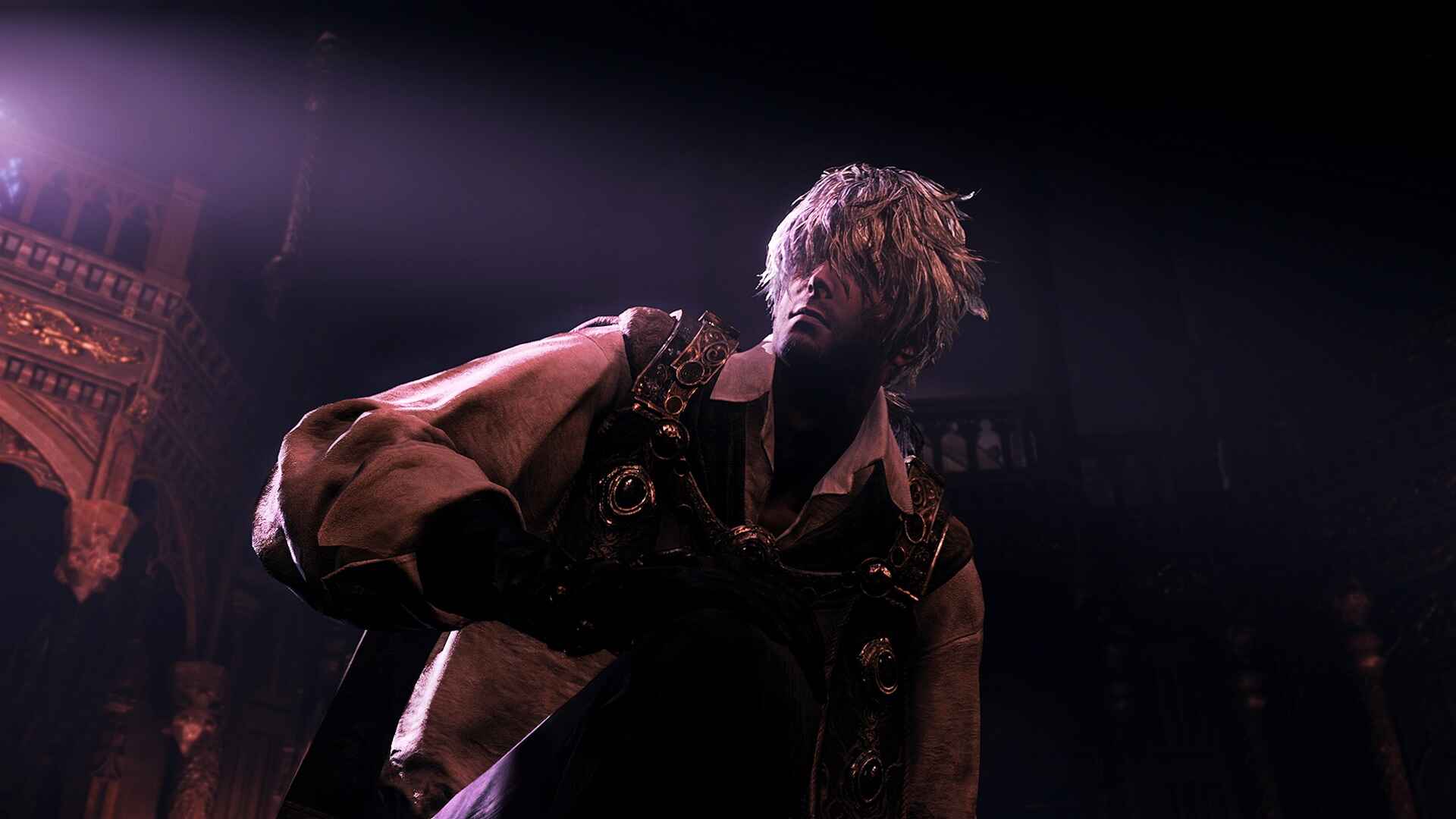
The Duskbloods Closed Network Test (CNT) is an invitation-only preview of FromSoftware’s upcoming Nintendo Switch 2 PvPvE title. If you were selected on August 7, 2026, you already hold a download code for the Network Test Version—but the actual file transfer typically waits until preload opens August 18, 2026 at 9:00 a.m. Eastern Daylight Time (EDT). Preloading separates players who queue into Dusk Battles on minute one from those who spend the first hour of a four-hour session watching a progress bar. This guide walks through post-selection preload timing, eShop steps, storage planning, Nintendo Switch Online (NSO) checks, and troubleshooting—without treating the game as fully released.
Before August 18: confirm selection basics
Preload assumes you completed the steps on the after selection page and redeemed or saved your code according to Nintendo’s August 7 message. Double-check these items before August 18:
- Same Nintendo Account on Switch 2 that applied in July 2026.
- Active NSO linked to that account—online PvPvE requires membership during sessions.
- Region alignment between console Country/region and Nintendo Account territory.
- 17+ age confirmation still valid on the qualifying profile.
Run the CNT checklist tool now. Fixing account issues on preload day competes with server load and last-minute firmware queues.
If you were not selected, this guide does not grant access. Follow the Guides hub and News hub for the 2026 retail launch window instead.
When preload opens: August 18, 2026
Nintendo communicated that selected participants may preload from August 18, 2026 at 9:00 a.m. EDT. Preload is not the same moment as selection—codes may arrive August 7 while downloads stay locked until the preload window.
Mark your calendar with:
- August 18, 9:00 a.m. EDT — earliest official preload start (verify your selection email for regional wording).
- August 21–23, 2026 — five four-hour session windows on the CNT schedule.
Convert PDT session anchors with the session timezone tool so you know which preload deadline matters for your assigned slot.
Step-by-step preload on Switch 2 eShop
These steps reflect standard Nintendo play-test flows. If your August 7 email differs, follow the email.
1. Wake the console and connect to stable internet
Use home Wi-Fi or wired LAN on docked play. Avoid starting preload on a flaky hotspot—you may need to restart a multi-gigabyte download.
2. Open Nintendo eShop with the qualifying user
Select the same user profile tied to the Nintendo Account that received selection. Download rights bind to that profile; guest or secondary accounts will not see the CNT client.
3. Redeem or confirm the Network Test Version
If you redeemed the code on August 7, the title may appear as Ready to download or Pre-order/preload on August 18. If not yet redeemed, enter the code via Enter Code on eShop or the link in your selection message. See how to redeem your CNT code for redemption detail.
4. Start download and leave the console powered
Tap Download and keep the system awake until completion. Sleep mode may pause transfers depending on your power settings. Do not assume preload finished because the home icon appeared—open Data Management and confirm 100% install.
5. Apply any day-one patch before session one
Launch once after preload if permitted to fetch mandatory updates. Some tests gate online play behind a patch larger than the base preload.
6. Launch offline terms gate if required
Certain builds force an online terms acceptance screen before first match. Complete it before your session window opens.
Storage planning for the CNT build
Nintendo has not published final install sizes for The Duskbloods Network Test Version at every wiki update. Plan conservatively:
- Free at least 30–40 GB on internal storage or microSD if Nintendo’s email cites a smaller figure—patches expand footprint.
- Delete unused demos, expired betas, and duplicate game installs before August 18.
- Prefer microSD with UHS-I or better if internal space is tight; verify the card is not failing reads.
Check System Settings → Data Management after download. If space errors appear mid-install, clear cache from other titles rather than repeatedly canceling the CNT download—partial installs sometimes corrupt licenses until support intervenes.
Nintendo Switch Online and parental controls
The CNT is online-only PvPvE with up to eight Bloodsworn per match. NSO must stay active through August 21–23 sessions:
- Renew membership at least 48 hours before your first window.
- Confirm the subscribing account matches your playing profile.
- Review parental controls so online play and eShop downloads are not blocked for child-adjacent family configurations—even though the test is 17+.
Requirement tables: Network Test requirements.
Troubleshooting common preload failures
Code already used. CNT codes are typically one per account. Do not share codes or redeem on a secondary account expecting a second copy.
Region mismatch error. Align Switch 2 Country/region with your Nintendo Account storefront, restart, and retry. Details on how to redeem your CNT code.
NSO inactive. eShop may allow download but online login fails without membership. Fix NSO before August 21.
Download stuck or slow. Pause and resume once. Reboot router. Switch to wired LAN. Avoid peak evening hours if your ISP congests.
Title missing from eShop. Sign out and back into Nintendo Account on the console. Confirm you are on Switch 2, not original Switch hardware.
Insufficient storage mid-download. Clear space, then resume from Data Management rather than deleting the partial title unless support advises.
Error codes during launch. Note the code and timestamp for Nintendo feedback surveys. Check Network Test hub for maintenance notices before reinstalling.
After preload: session-day habits
Preload success is only the halfway point:
- Read how to prepare for the Network Test for controller, network, and etiquette prep.
- Study how to play PvPvE so Victory Points make sense in your first lobby.
- Block calendar time using CNT schedule rows.
- Respect NDA and streaming limits in your selection email—unauthorized capture may revoke access.
Remember: CNT save data does not transfer to the retail 2026 release. Experiment freely in hub customisation and role tests; progress is disposable test software.
Related wiki pages
- After selection — August 7 results and code delivery
- Network Test preload hub page — consolidated preload reference
- How to redeem your CNT code — eShop redemption before download
- CNT checklist — full phased checklist
- Guides hub — gameplay walkthroughs once you are in
Frequently Asked Questions
Quick answers drawn from official Network Test and Creator’s Voice details.
When can I preload The Duskbloods CNT?
Preload opens August 18, 2026 at 9:00 a.m. EDT for selected participants. You may receive your download code earlier on August 7, but wait for the official preload window before installing.
Do I need Nintendo Switch Online to preload?
NSO is required for online play during CNT sessions. Ensure membership is active on the same account that redeemed the test before August 21.
How much storage should I free for the CNT download?
Plan for at least 30–40 GB including patches unless Nintendo's selection email specifies a different size. Clear demos and unused titles before August 18.
Can I preload on a different Nintendo Account than the one that applied?
No. Download rights bind to the account that received selection. Redeem and preload only on the qualifying Switch 2 user profile.
What if preload fails on August 18?
Verify region settings, NSO status, and storage first. Retry download after a console restart. Contact Nintendo support with your selection proof if errors persist before your session window.