The Duskbloods Switch 2 Control Prep
Hardware habits and honest limits before Nintendo publishes a final button diagram.
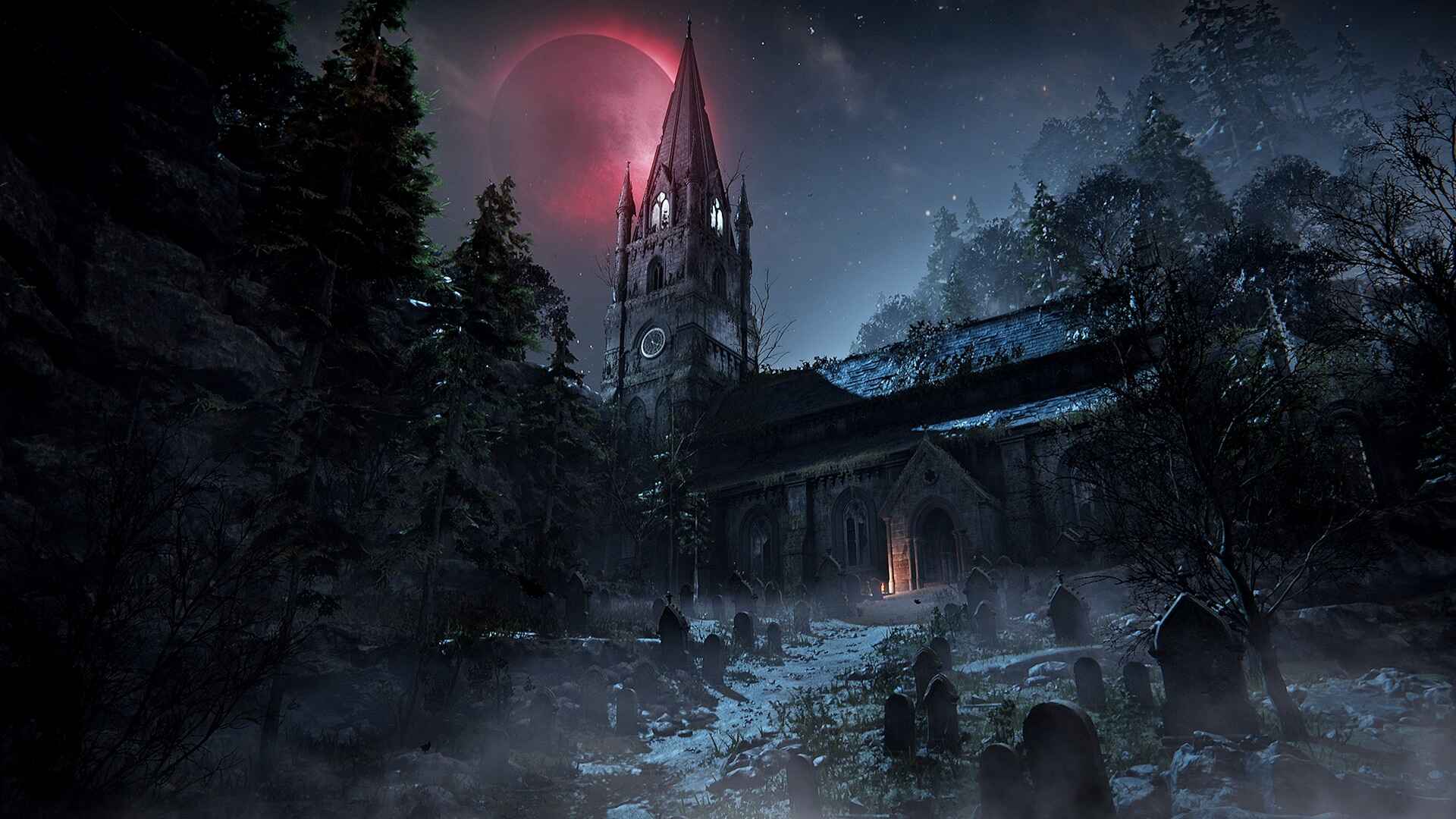
The Duskbloods is an upcoming FromSoftware PvPvE action game built exclusively for Nintendo Switch 2, with online matches supporting up to eight Bloodsworn, firearms alongside melee, entity summons, and Victory Points that reward opportunistic play. Until Nintendo or FromSoftware publishes a final control diagram, any complete button map on fan sites is guesswork. This page offers provisional Switch 2 prep for the Closed Network Test window of August 21–23, 2026—Joy-Con, Pro Controller, and handheld habits; what not to invent; gyro caution; screenshot advice for CNT testers; Nintendo Switch Online requirements; and accessibility settings worth checking before your first Dusk Battle.
Why prep controls before official layouts
PvPvE fights punish dropped awareness. Dynamic events rotate attention across maps; Destined Rivals and Destined Companion objectives assume you can execute under pressure; firearms in trailers imply aim and spacing matter alongside dodge timing. Muscle memory you build during the test influences how quickly you return to the hub loop—customise, queue, fight, earn rewards win or lose, repeat. Entering with realistic Switch 2 expectations beats importing PC or PlayStation assumptions that may not map cleanly to Joy-Con geometry.
Read the broader Controls hub for FromSoft combat habits and the full CNT calendar on Network Test. Match structure prep lives in How to prepare for the Network Test and Gameplay.
Joy-Con: default hardware, different ergonomics
Joy-Con remain valid Switch 2 controllers. Grip width and stick travel differ from Xbox or DualSense muscle memory—budget one session to re-learn dodge spacing and camera corrections before judging a Bloodsworn kit. For PvPvE sessions that may run across multiple CNT windows, consider:
- Thumb placement — keep movement and camera accessible; third-party collapses happen when you hunt face buttons mid-fight.
- SL/SR expectations — prior FromSoft console ports often map strong attacks or skills to shoulders; light attacks may sit on face buttons until tutorials confirm otherwise.
- Detach and recentre — if sticks drift, fix hardware before August test nights; drift reads as input error in a game that rewards readable spacing.
- Break between windows — five scheduled CNT sessions reward consistency; short rests reduce grip fatigue that shows up as missed dodges, not skill gaps.
Joy-Con are not a stated requirement to avoid—many players will use them successfully—but treat comfort as a variable you control early.
Pro Controller: longer sessions and steadier aim
Nothing in Nintendo’s public materials mandates a Pro Controller for The Duskbloods or the CNT. Many players prefer Pro Controller for longer online blocks because wider grips and full-size sticks stabilise firearm exchanges glimpsed in trailers. If you own one, test it during preload week (August 18, 2026) so session one is observation, not accessory troubleshooting.
Pro prep checklist:
- Confirm firmware and pairing before selection stress on August 7.
- Match your CNT primary device—switching between Pro and handheld mid-weekend resets muscle memory.
- Tune stick sensitivity in System Settings first; do not assume in-game defaults are optimal.
Handheld mode: screen size and camera load
Handheld play is supported on Switch 2. Victorian interiors and gothic clutter may shrink the effective camera view compared to a TV. Handheld suits learning movement tech—sprint, super jump, double jump—in quieter moments, but eight-player chaos may push some players to docked play for readability. Neither mode is officially superior; document what works for you and share ethical notes via Guides after CNT.
Thermal and battery behaviour are platform concerns Nintendo addresses separately. Plan charging between CNT windows rather than guessing in-match layouts while anxious about power.
What not to invent: button maps and binding charts
Fan charts that assign every action to a specific face button before Nintendo publishes diagrams are speculation. FromSoftware titles typically separate light and heavy attacks, dodges or rolls, lock-on, items, weapon skills, and aim—but exact Switch 2 assignments are unconfirmed at the time of writing.
Do not treat wiki pages or forum posts with complete layouts as authoritative. Do not rebind controls aggressively before you see in-game tutorials—the Closed Network Test may iterate. Do not assume PC number-key weapon swaps; console layouts use shoulders and context buttons.
What you can do without inventing inputs:
- Learn what your Bloodsworn must do each fight (VP routes, role objectives, summon timing).
- Open the in-game controls menu immediately when the build unlocks.
- Screenshot any layout Nintendo allows testers to share—see below.
Gyro caution for firearm aim
Switch 2 refines motion controls compared with original Switch hardware. Gyro can help fine aim for ranged kits—or fight your muscle memory if you come from stick-only shooters. Disable gyro early if it causes overshoot during the first hour; re-enable only after deliberate testing. Do not let motion aim become a excuse for skipping fundamentals: spacing, reload discipline, and map rotation still decide Victory Points regardless of input method.
CNT screenshot and documentation advice
If you are selected for the Closed Network Test, treat control discovery as community service:
- Open the controls menu at the start of session one.
- Screenshot default bindings if Nintendo’s NDA permits sharing—when in doubt, describe menus in words rather than leaking restricted assets.
- Note differences between handheld and docked if both are available.
- Record whether summon, role, and interact actions share buttons or use context prompts.
- Feed confirmed findings back through Guides and the Controls hub—never paste unverified charts.
Official selection and preload steps live on Network Test, After selection, and Preload.
Nintendo Switch Online and account prep
Online play—including the CNT—requires Nintendo Switch Online and a linked Nintendo Account per Nintendo’s store messaging. Verify membership before August windows; a lapsed subscription wastes download and session time. Family-plan nuances and account regions can affect code redemption—follow How to redeem CNT code if you receive an invite.
Accessibility and system settings
Before your first match, check Switch 2 System Settings for options that do not depend on unconfirmed in-game remaps:
- Stick sensitivity and dead zones — reduce drift-like behaviour and tune camera speed.
- Button mapping at OS level — if offered, use cautiously until you understand default combat bindings.
- Invert controls — set Y-axis camera invert to preference before PvPvE pressure.
- Vibration — some players disable rumble for focus; others use it as hit confirmation—test once, then lock.
- Colour and brightness — gothic palettes can crush shadow detail on some displays; handheld may need brightness tweaks separate from control binds.
In-game accessibility menus may expand during CNT; log what exists and update this page after hands-on coverage.
After official diagrams ship
Once Nintendo publishes final layouts, this wiki will document default bindings, recommended remaps, handheld versus docked differences, and summon or role-specific prompts. Until then, prioritise habits—awareness, session planning, ethical documentation—over memorising speculative button labels copied from unrelated FromSoft ports.
Related pages
- Controls hub — provisional FromSoft combat habits
- Gameplay hub — what your inputs must execute
- How to prepare for the Network Test — full CNT checklist
- Network Test hub — selection, preload, and session times
- Movement and combat — traversal plus weapons context
Frequently Asked Questions
Quick answers drawn from official Network Test and Creator’s Voice details.
Should I buy a Pro Controller for The Duskbloods CNT?
No accessory is mandatory. Pro Controller is a **comfort choice** for longer PvPvE sessions and steadier aim—not a stated Nintendo requirement.
Can I trust fan-made Switch 2 button maps?
Not until Nintendo or FromSoftware publishes official diagrams. Treat complete layouts as **speculation** and screenshot in-game menus during CNT if allowed.
Should I use gyro aim in The Duskbloods?
Switch 2 supports refined motion. Test deliberately—**disable gyro early** if it fights stick aim, especially with firearms shown in trailers.
Do I need Nintendo Switch Online for the CNT?
Yes. Online play requires **NSO** and a linked Nintendo Account per Nintendo's public store and test messaging.
Will CNT controls match the 2026 retail release?
Network tests often iterate. Expect CNT layouts to be **representative but not guaranteed final**—note changes between sessions.